
How to bulk reply to groups of recipients
Send bulk replies or one-off messages to groups of recipients using the Text Replies tab. This feature streamlines your communication, so you can respond efficiently to multiple conversations at once.
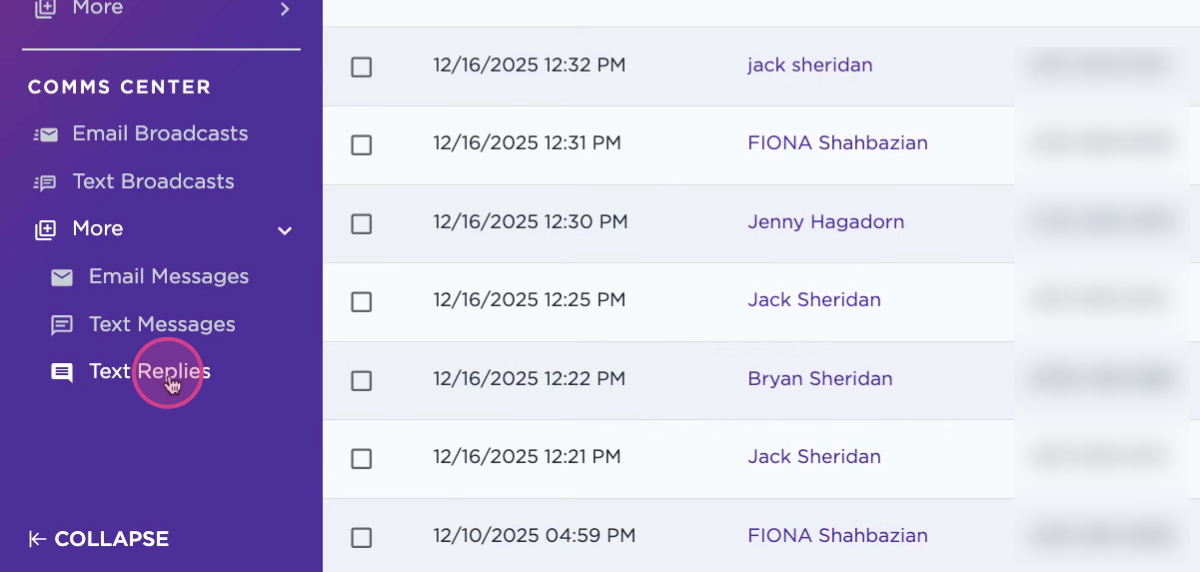
Step 1: Go to the Text Replies tab.
Step 2: Use the search bar to find specific replies. For example, search for a keyword like "address" to filter your messages for the purpose of sending a mailing address where checks can be sent.
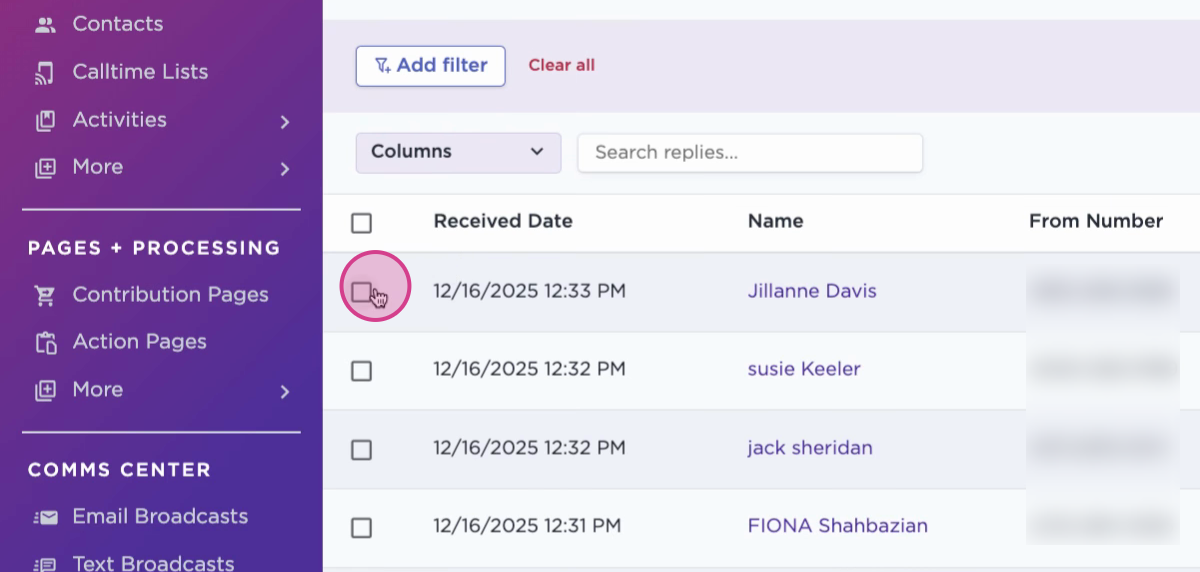
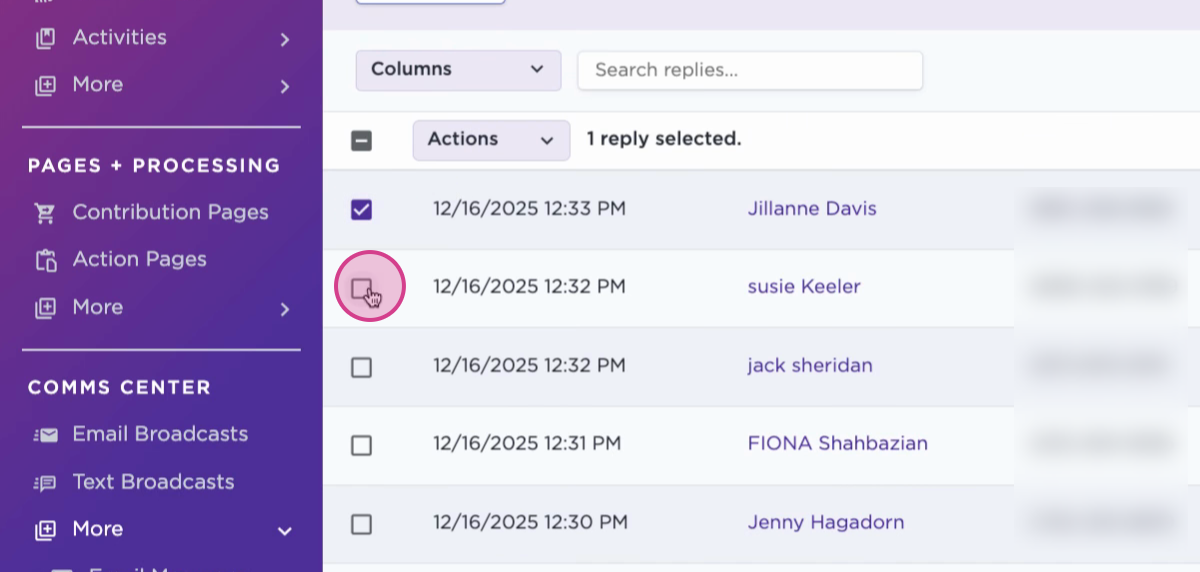
Step 3: Click on individual replies to select them, or bulk select several replies.
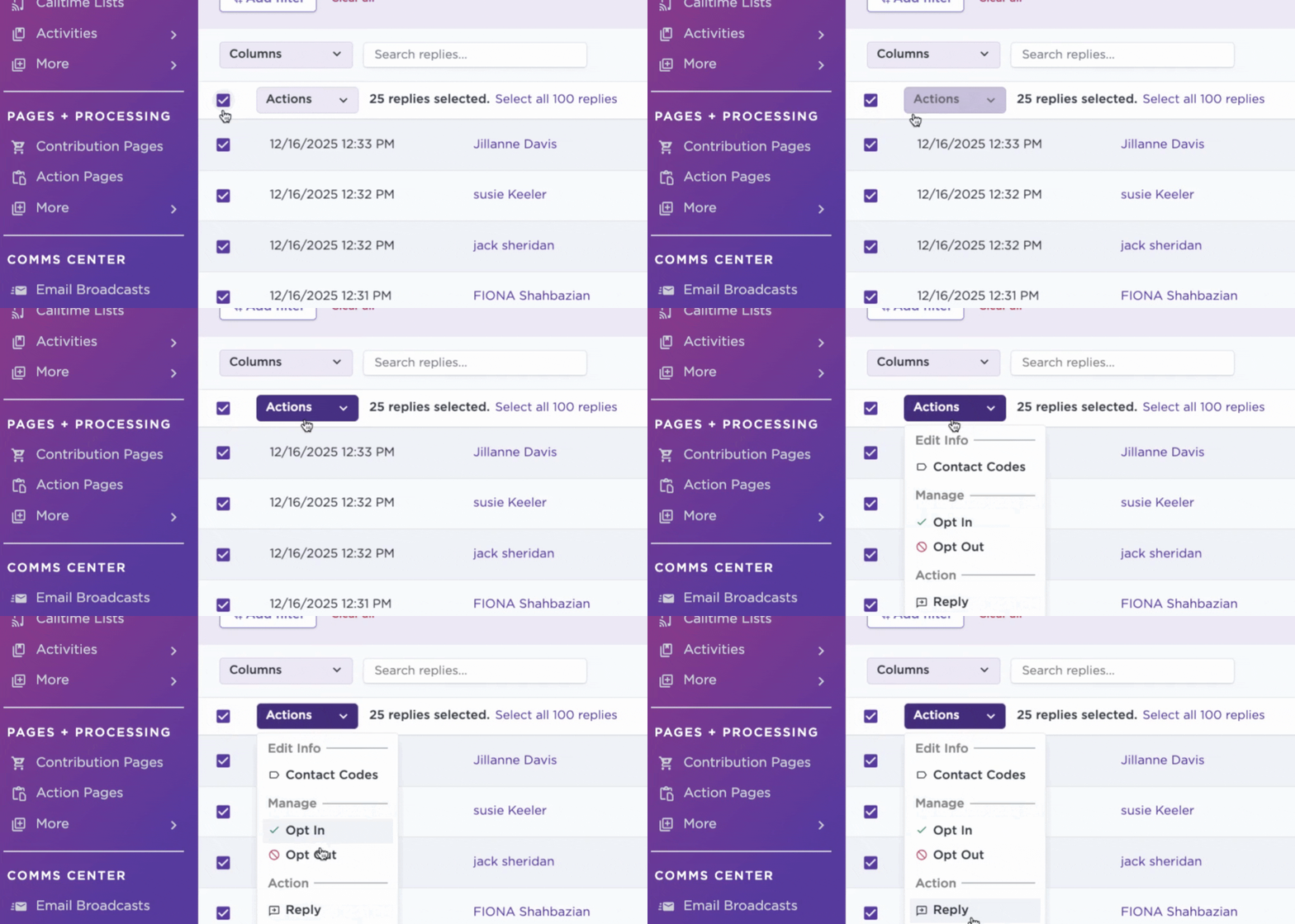
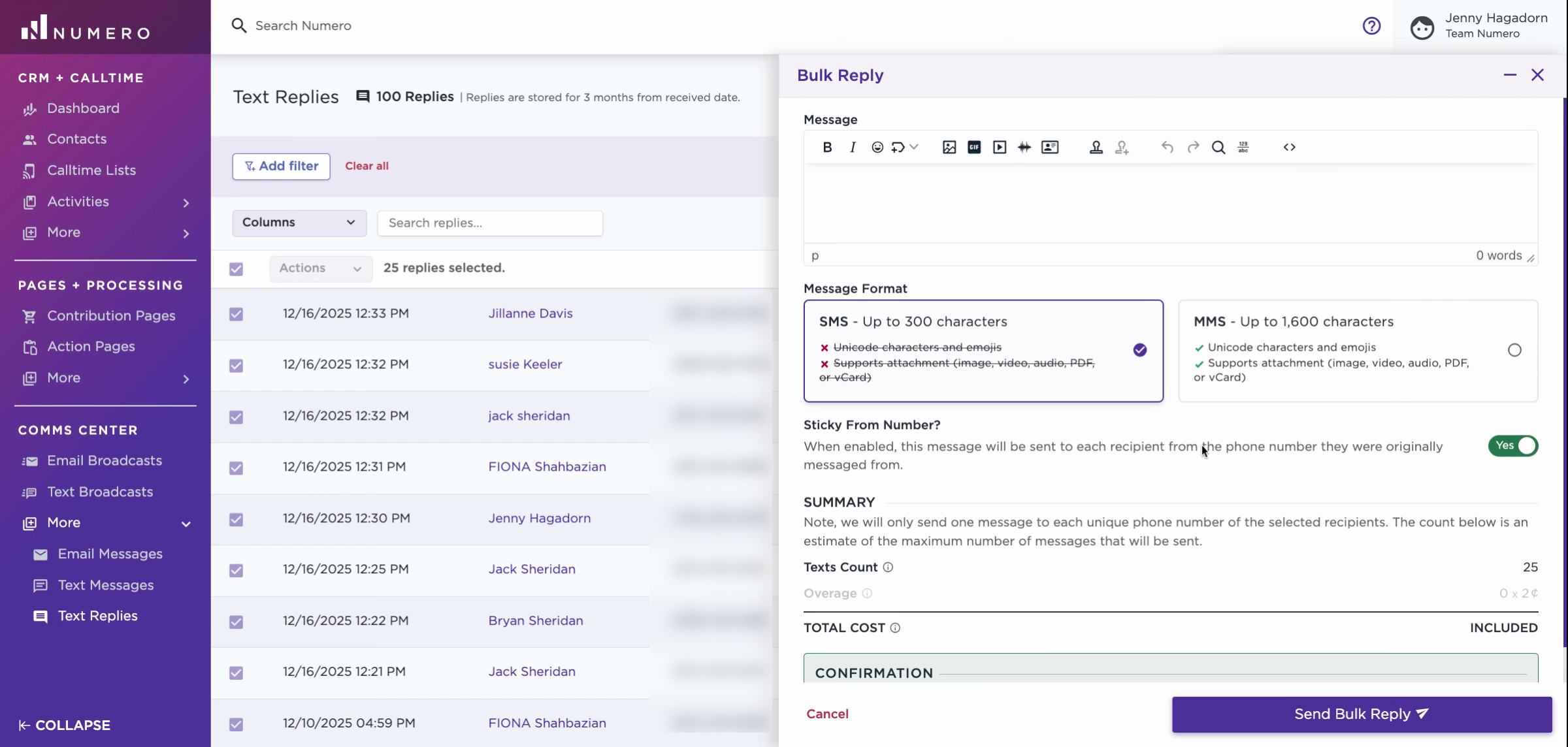
Step 4: Open the Action dropdown menu and choose Reply.
Step 5: A slide-out will appear on the right. Craft your reply message in the provided field.
Step 6: Leave Sticky From Number toggled to Yes if the reply should be tied to the phone number the recipient was originally texted from.
Step 7: Review the cost for sending the texts, and enter the number of messages you plan to send for confirmation.
Step 8: Click Send Bulk Reply to dispatch your message to the selected recipients.
Bulk reply helps keep your messaging organized and saves time when you need to reach recipients with the same response. Use it to follow up, answer common questions, or update groups efficiently.