
New Year, New Look for Numero!
New Year, New Look for Numero!
The latest update to your CRM brings refreshed tables and introduces live filters. These changes keep everything familiar but make your workspace faster, clearer, and even more intuitive.
Use Live Filters for Instant Results: By default, live filters are switched on. When you adjust filter options, your table updates in real time, which is perfect for simple searches.
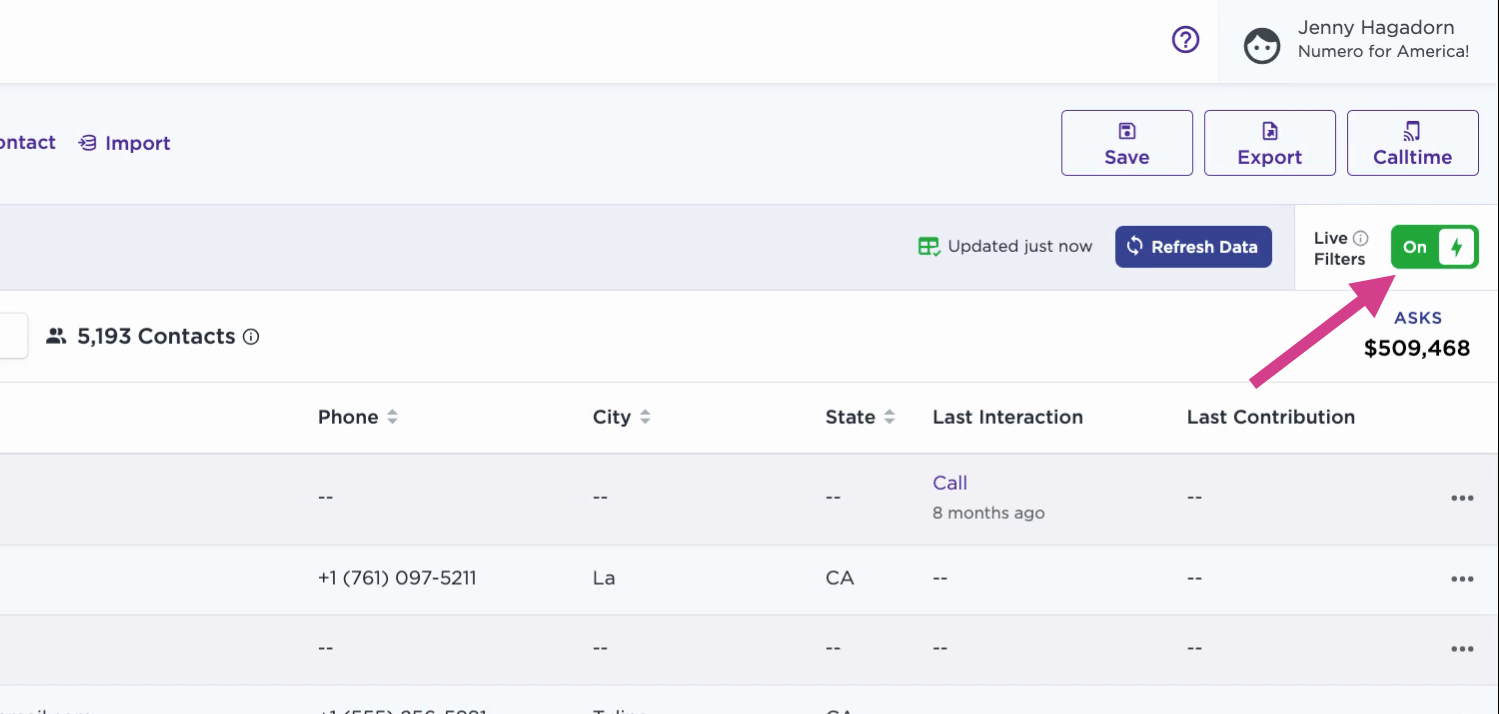
Turn Off Live Filters: Switch live filters off if you have high data volume. This lets you stack filters without triggering the search each time you make a change. After you apply your filters, then click Refresh Data to see results.
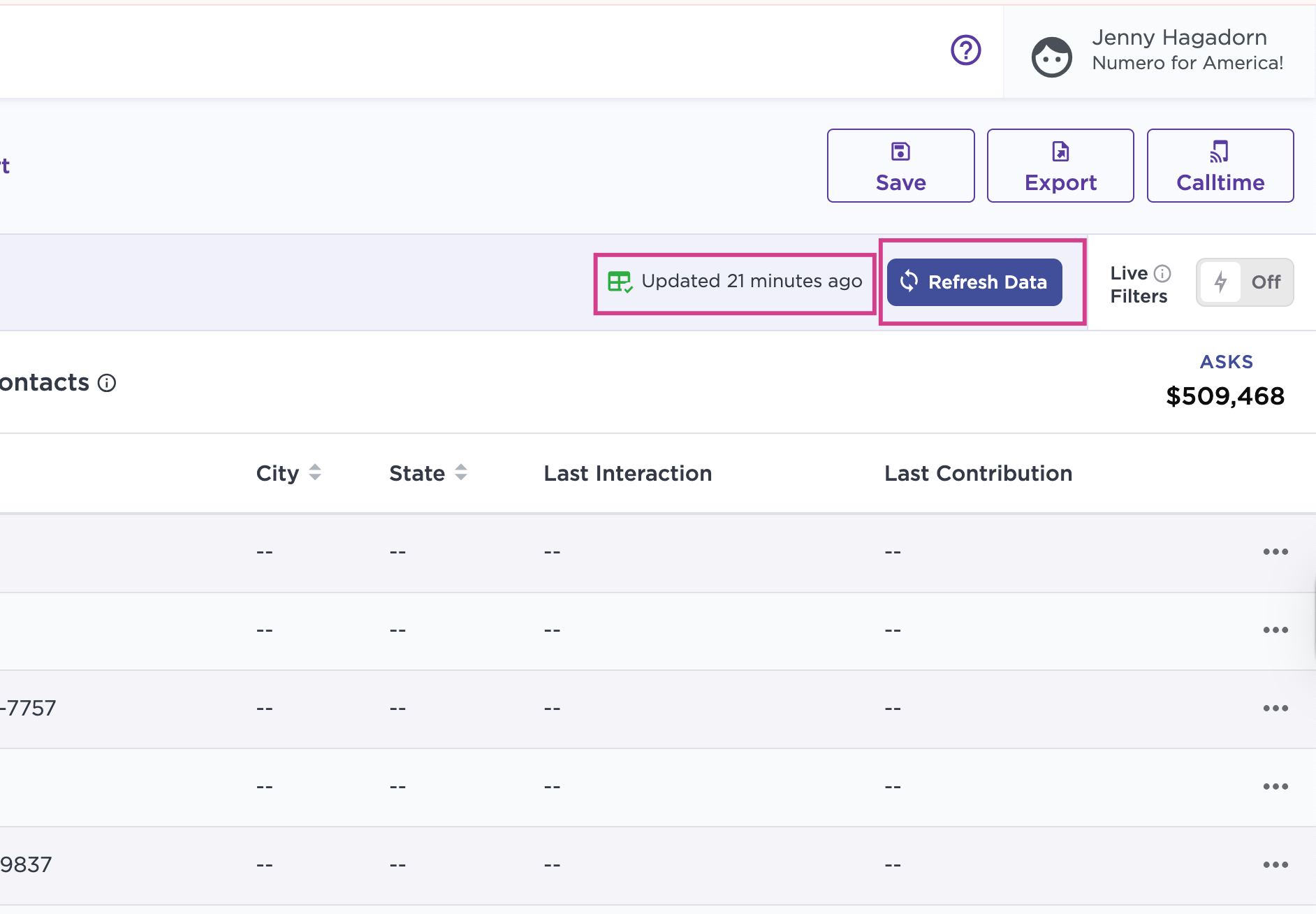
See When Your Data Last Updated: A timestamp shows when it was last refreshed. Click Refresh anytime to reload the latest information.
Work with Improved Filter Placement: Both Limit and Match filters are now more prominent. The Add and Import buttons are still available - just a bit further left on each respective tab.
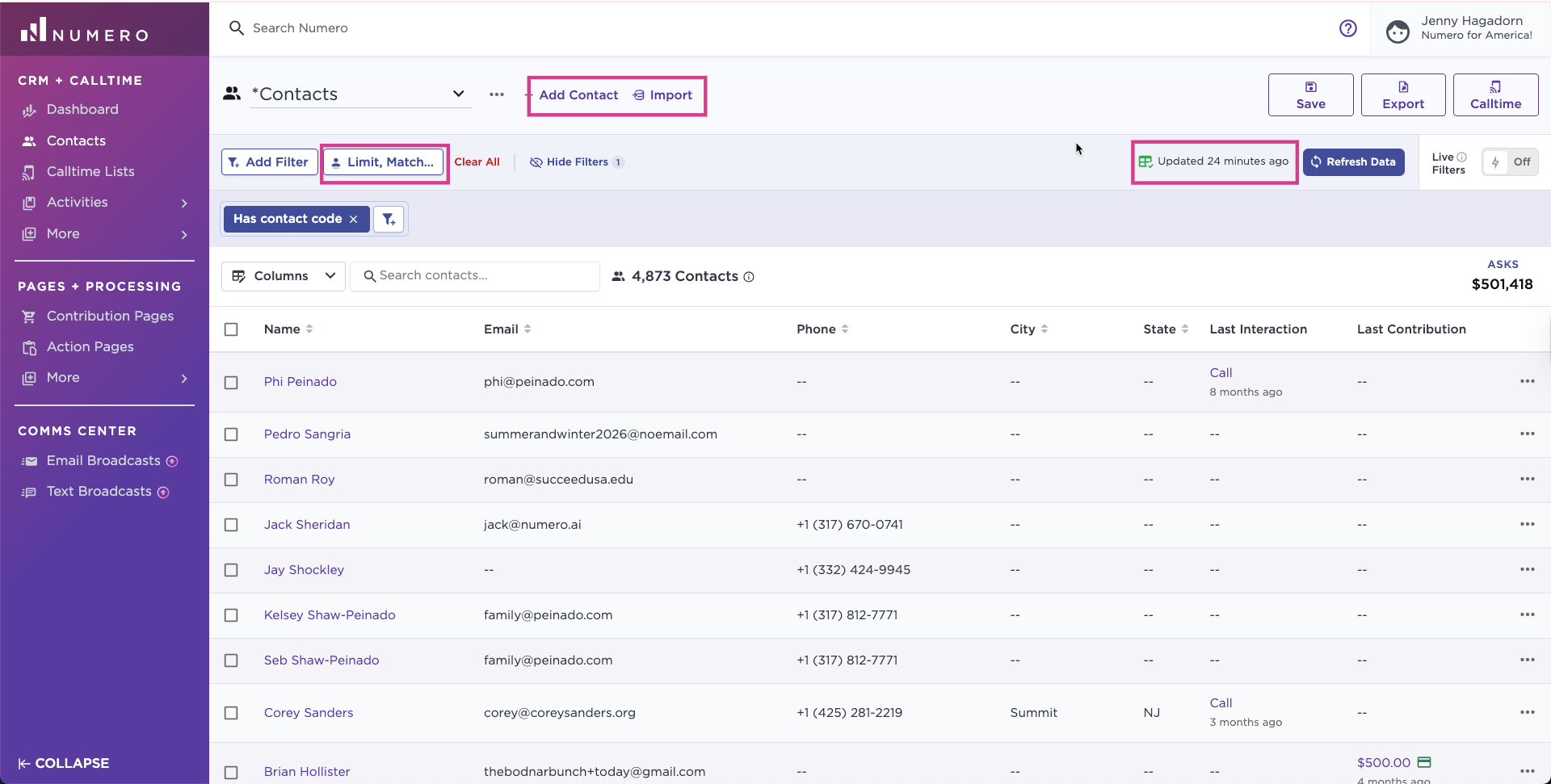
With these updates, navigating and managing even large volumes of data feels smoother than ever. Enjoy the streamlined experience, and don’t hesitate to reach out to support@numero.ai with feedback or questions!