Import Pledges
How to Bulk Import Pledges into Numero CRM
If you have a list of pledges stored outside Numero CRM, bring them in quickly with the bulk import feature. Importing pledges before contributions ensures your system accurately matches received contributions to outstanding pledges. Follow these steps for a smooth import:
Step 1: Start the Import Process
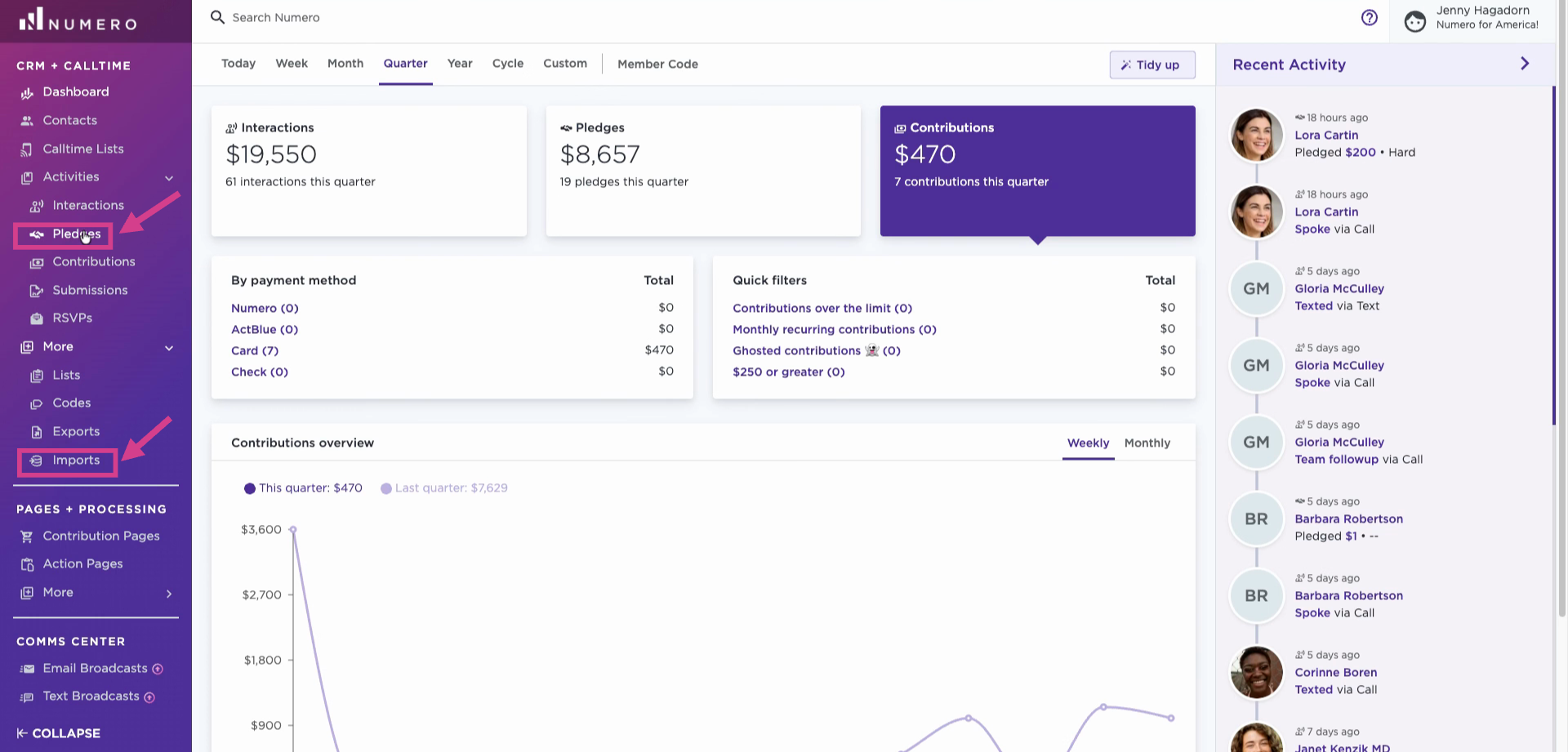
Open the left toolbar in the CRM and go to Activities → Pledges or More → Imports.
Step 2: Prepare and Upload Your CSV File
Upload your pledges in CSV format. If you're unsure about the required columns, download the template provided.
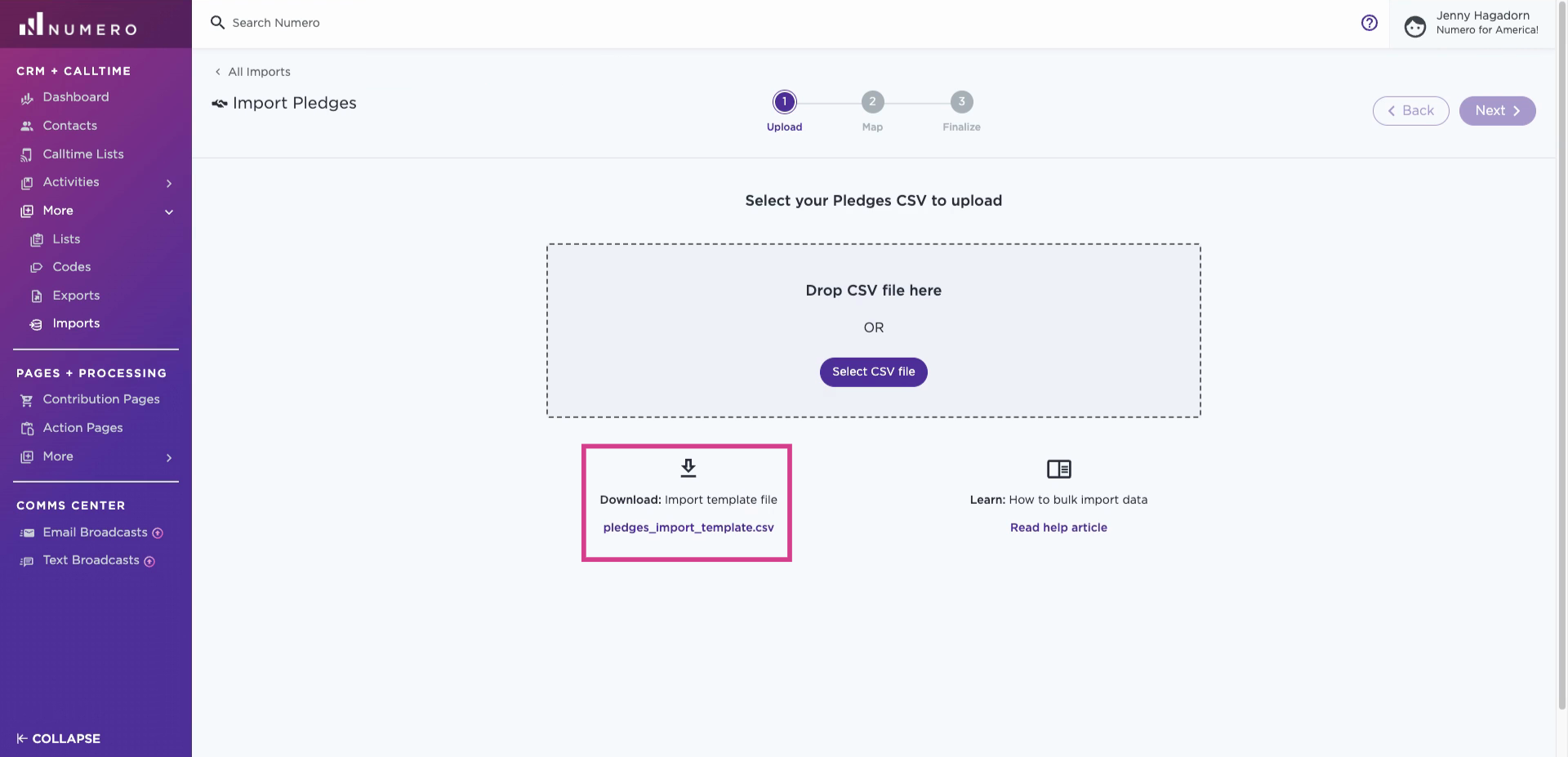
Include columns like pledge date, pledge amount, details (commitment, source code, pledge notes, expected date), and information about the person (first and last name, email, phone number, full address). The more matching details, the better the matching algorithm can add pledges to existing profiles. Save as a CSV.

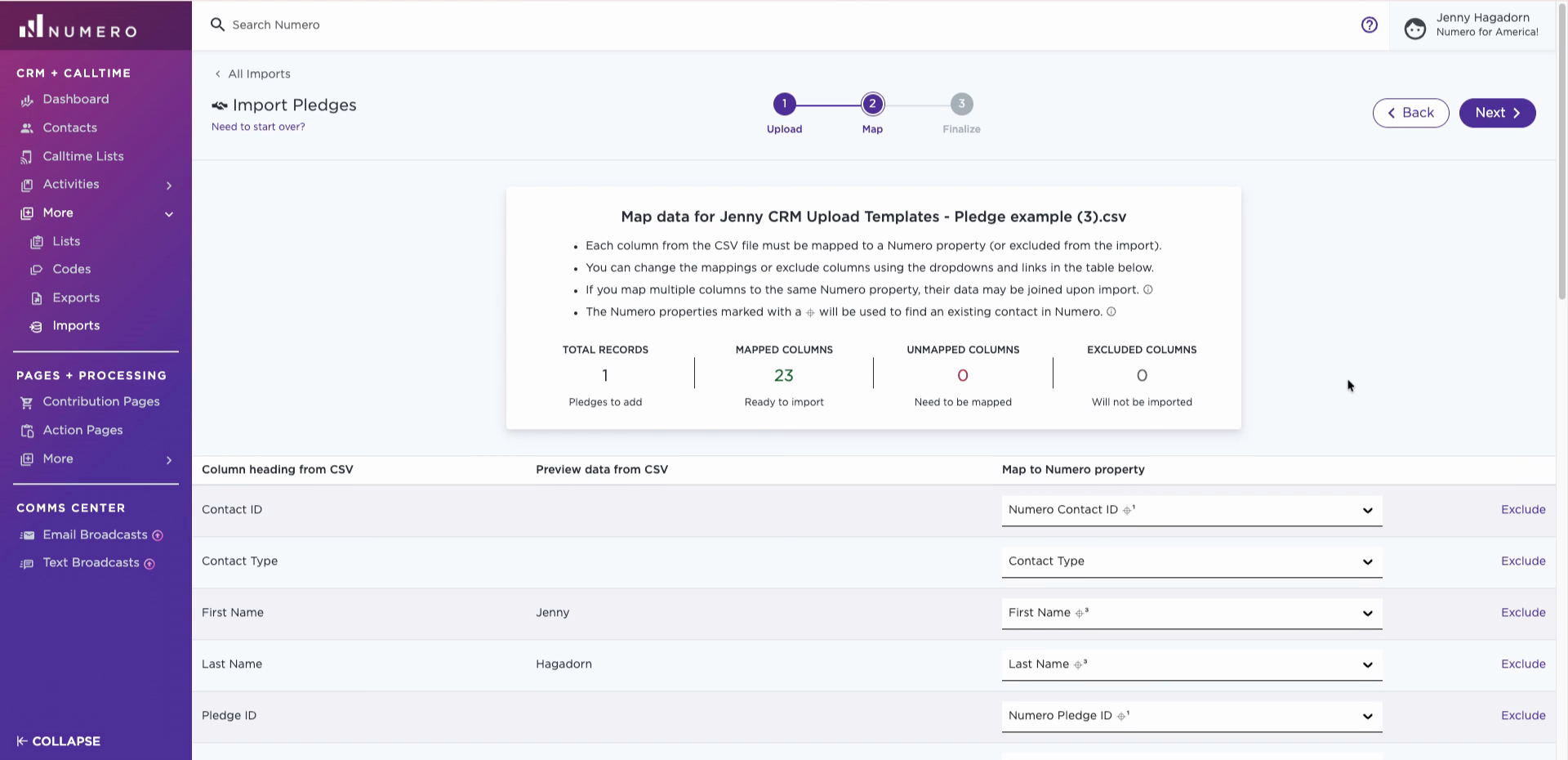
Step 3: Map Your Columns
After you upload your CSV, ensure each column matches the correct CRM property, like first name to First Name and pledge date to Date Pledged.
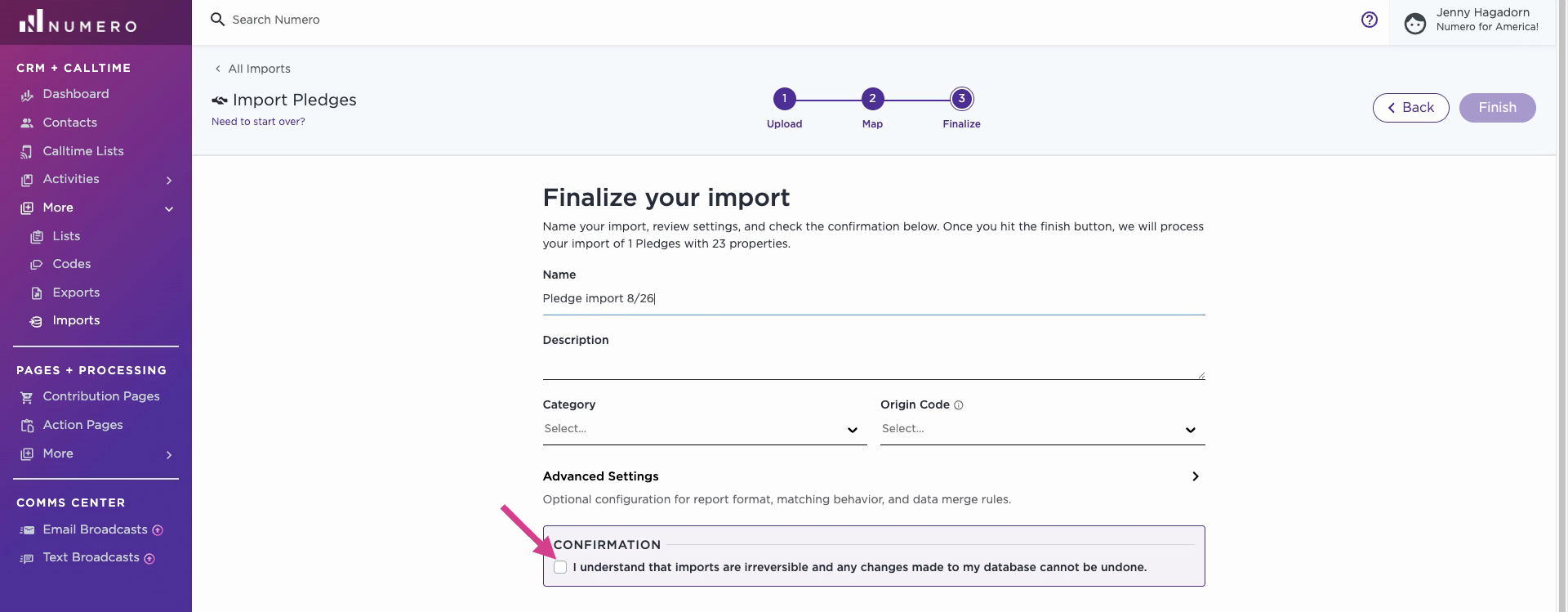
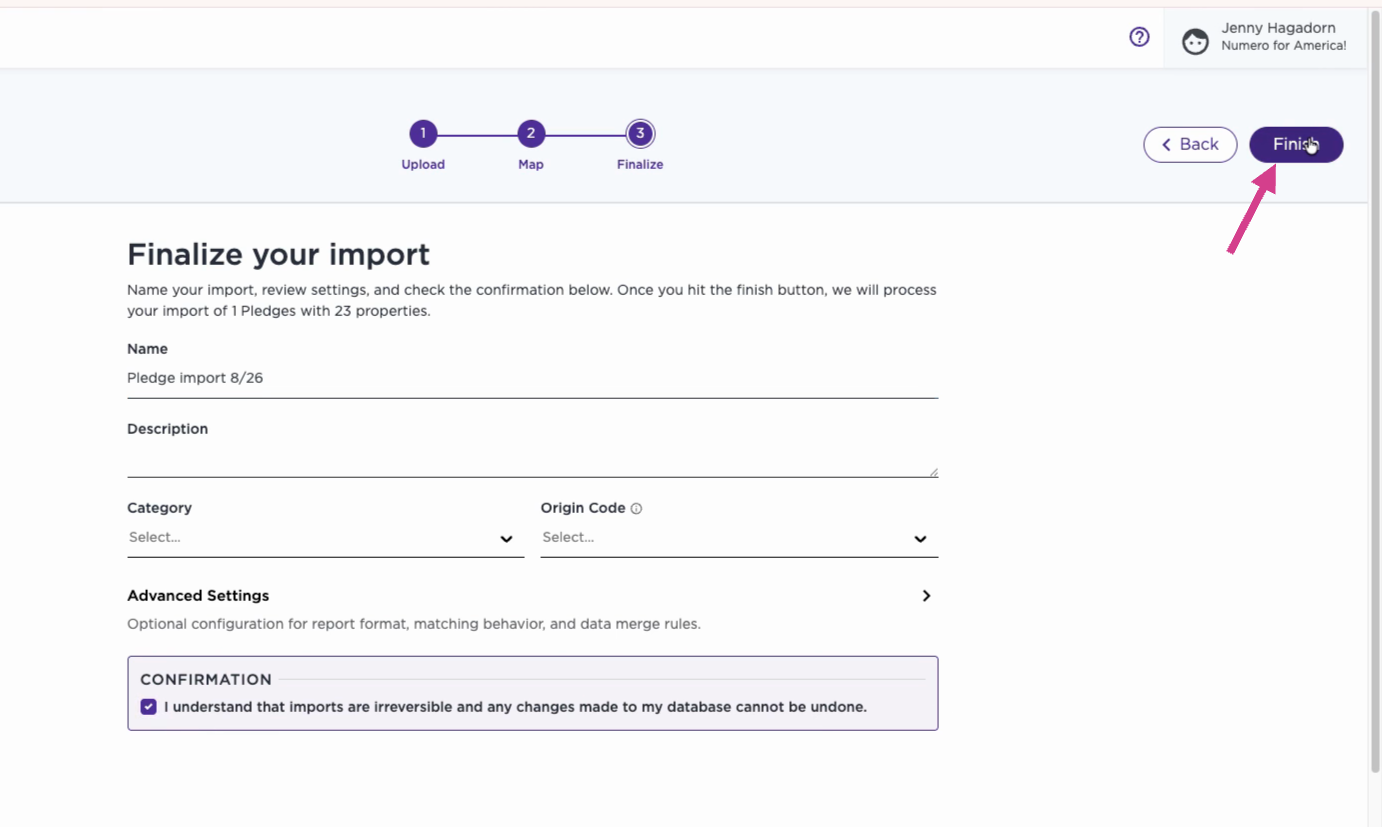
Step 4: Finalize Import Details and Confirm Import
You can rename the import file and add a description, category, or origin code. Those fields are optional.